Introduction: How Modern Teams Actually Plan Work in 2026
Project planning has always been about one simple question:
Who is doing what, and by when?
Decades ago, managers relied on notebooks, wall charts, and spreadsheets to answer that question. Today, work has become faster, more collaborative, and more complex. Teams are remote. Deadlines overlap. Priorities shift overnight.
This enduring relevance is precisely why the Gantt chart has persisted through every significant evolution in work culture, making it even more crucial in 2026.
In this guide, you’ll learn:
- What a Gantt chart really is (beyond the textbook definition)
- When and why it works better than lists or calendars
- How to create a Gantt chart step by step
- The limitations of Excel and smarter modern alternatives
- How AI tools are changing the way teams plan projects
Whether you’re a student, project manager, marketer, or business owner, this guide will help you plan with clarity and confidence.
The Gantt Chart Explained
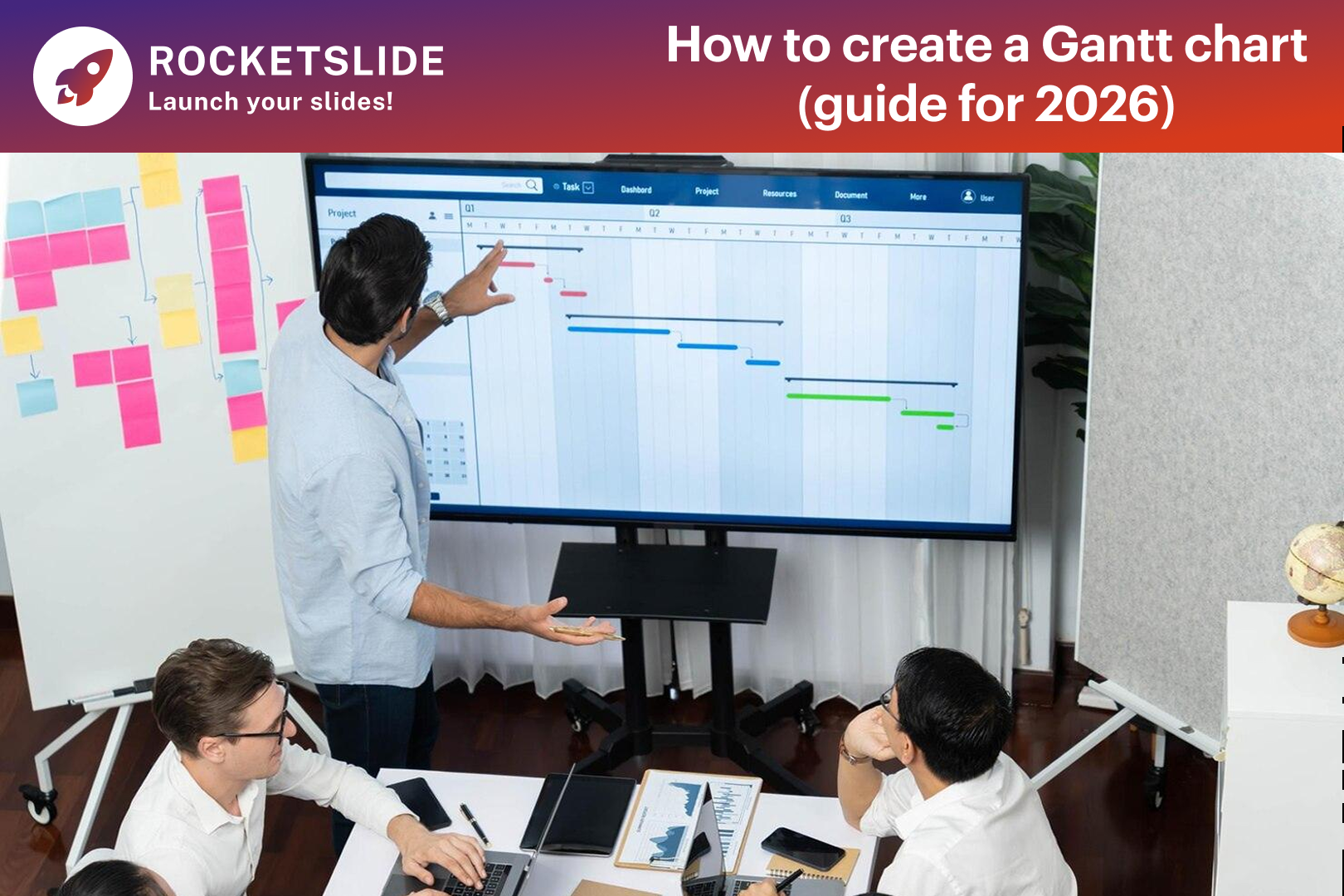
At its core, a Gantt chart is a visual representation of a project timeline.
It shows:
- Tasks listed vertically
- Time displayed horizontally
- Bars that represent how long each task takes
- Overlaps that reveal dependencies between tasks
But here’s the important part most guides miss:
A Gantt chart is not about dates, but it’s about visibility.
It helps you instantly see:
- What’s happening now
- What’s coming next
- What depends on what
- Where delays might occur
This is why Gantt charts are widely used in:
- Construction and engineering
- Software development
- Marketing campaigns
- Academic research
- Event planning
- Corporate strategy
What a Gantt Chart Really Represents
A Gantt chart is often described as a project timeline, but in practice, it represents much more than dates on a calendar. It is a visual map of work that shows how tasks unfold over time and how they depend on one another.
Unlike written plans, Gantt charts allow teams to understand sequencing. You can see which tasks overlap, which ones must be completed first, and where delays may cause ripple effects. This visual clarity is why Gantt charts are used in fields ranging from construction and engineering to marketing, education, and software development.
At its core, a Gantt chart transforms abstract plans into something concrete and visible.
Why Gantt Charts Still Matter in 2026
With so many productivity tools available, you might wonder why Gantt charts haven’t faded away.
The answer is simple:
They align with the human brain's perception of time and progress.
Gantt charts are more crucial in 2026 because
- Teams work across time zones
- Projects have more dependencies
- Stakeholders expect visual clarity, not spreadsheets
- AI tools demand structured inputs to generate results
A well-built Gantt chart turns complexity into order.
When a Gantt Chart Is the Right Planning Tool
Gantt charts are not necessary for all tasks. However, they are highly beneficial for projects characterized by
- Multiple interdependent tasks (dependencies)
- Strict completion dates (fixed deadlines)
- Involvement of various groups (collaboration across teams)
You should consider using a Gantt chart when:
- Tasks must be completed in a specific order
- Multiple people or teams are involved
- Deadlines are strict, and delays have consequences
- Progress needs to be communicated clearly to stakeholders
For simple, single-task activities, a checklist may be enough. However, once complexity increases, Gantt charts provide structure that simpler tools cannot.
How to Create a Gantt Chart Step by Step
Learning how to create a Gantt chart starts with planning, not software. The quality of the chart depends on how well the project itself is defined.
First, clarify the project objective. Without a clear outcome, timelines become arbitrary. Once the goal is established, break the project into manageable tasks. Each task should represent a meaningful unit of work that can be tracked.
Next, identify dependencies. Some tasks can begin immediately, while others rely on the completion of earlier steps. This relationship between tasks is what gives a Gantt chart its true value.
Once tasks and dependencies are clear, estimate durations realistically. Overly optimistic timelines are one of the most common causes of project failure. A well-built Gantt chart exposes these risks early.
Finally, place tasks along a timeline. At this stage, the chart begins to reveal how the project will actually unfold, not just how it was imagined.
How to Make a Gantt Chart in Excel
Many professionals still ask how to make a Gantt chart in Excel, largely because Excel is familiar and widely available. A basic Gantt chart can be constructed in Excel. This is done by first creating a table that includes task names, start dates, and durations, and then transforming this data into a stacked bar chart.
This approach works well for smaller or personal projects, especially when the timeline is fixed. Excel’s flexibility also allows for customization, which appeals to users who enjoy hands-on control.
However, Excel-based Gantt charts come with important limitations:
- Changes in dates often require manual updates
- Dependencies are not automatically managed
- Collaboration is difficult in real time
- Large projects quickly become hard to maintain
While Excel represents a traditional starting point, it is no longer the most efficient option for modern teams.
The Rise of the Gantt Chart Creator
As project demands have increased, many teams have turned to dedicated tools designed specifically for timeline planning. A modern Gantt chart creator removes much of the manual work involved in building and maintaining charts.
These tools automatically adjust timelines when tasks shift, manage dependencies intelligently, and support collaboration across teams. Instead of spending time fixing formatting issues, users can focus on planning and execution.
AI-powered platforms have taken this even further by helping users generate timelines from simple inputs such as notes, outlines, or documents. RocketSlide transforms structured project data into clean, professional visuals, making it simple for teams to share them effectively with stakeholders.
Gantt Charts in the Age of AI
By 2026, Gantt charts will no longer be static documents. Many modern tools integrate AI to support better planning decisions. These systems can analyze historical project data, suggest realistic timelines, and highlight potential risks before they occur.
Rather than replacing human judgment, AI enhances it. A smart Gantt chart creator helps teams plan more accurately while still allowing flexibility when conditions change.
This blend of human insight and intelligent automation represents the future of project planning.
Common Mistakes to Avoid When Using Gantt Charts
Even the best tools cannot compensate for poor planning habits. Overloading a Gantt chart with too many small tasks can make it difficult to read.
Ignoring buffer time often leads to unrealistic schedules. Treating the chart as a one-time document instead of a living plan reduces its usefulness.
A Gantt chart should evolve with the project. Regular updates ensure that it reflects reality, not just initial expectations.
Final Thoughts: Gantt Charts as a Planning Skill
Understanding how to create a Gantt chart is not just about learning software or templates. It is about developing a way of thinking that values structure, sequencing, and clarity.
From early industrial projects to AI-powered workflows in 2026, Gantt charts have remained relevant because they align with how people understand time and responsibility. Whether you start by learning how to make a Gantt chart in Excel or move directly to a modern Gantt chart creator, the purpose remains the same: turning complex work into clear, achievable plans.
In an increasingly complex world, that clarity is one of the most valuable skills a professional can have.