Creating presentations has always been a mix of research, storytelling, and visual design. Yet for many people, the hardest part is often finding the right visuals.
An effective image can communicate an idea more quickly than a dense, text-filled slide. However, finding the right visual has traditionally been a challenge, requiring searches through stock photo libraries, graphic design work, or settling for visuals that aren't a perfect fit.
This is where text-to-image AI is changing the process. Instead of searching endlessly, you can now describe the image you want using text, and AI generates it instantly. For anyone working on presentations, this means visuals that are designed specifically for your exact message, not limited by stock photo libraries.
However, the quality of AI-generated images depends on one crucial skill: prompting. Understanding how to write effective prompts can turn average AI images into presentation-ready visuals that strengthen your message and bring your presentation topics to life.
Let’s explore how text-to-image AI works and how you can use it effectively while creating presentations with tools like RocketSlide.
The AI Visuals in Presentations
Slides are no longer expected to be text-heavy. Audiences today prefer visual storytelling.
Research in cognitive science suggests that people process images 60,000 times faster than text, and visual information improves retention.
This is why modern presentations focus on:
- Visual explanations
- Concept diagrams
- Illustrations of ideas
- Story-driven imagery
Text-to-image AI helps bridge the gap between ideas and visuals. Instead of searching for generic images, presenters can now generate visuals that directly match their presentation topics.
For example:
- A startup founder explaining market disruption
- A teacher explaining the solar system
- A marketing professional presenting a campaign strategy
Each of these situations benefits from custom visuals that align with the narrative.
RocketSlide makes this even more powerful by combining AI visuals with AI-powered template designs, helping users turn ideas into complete presentations faster.
What Is Text-to-Image AI?
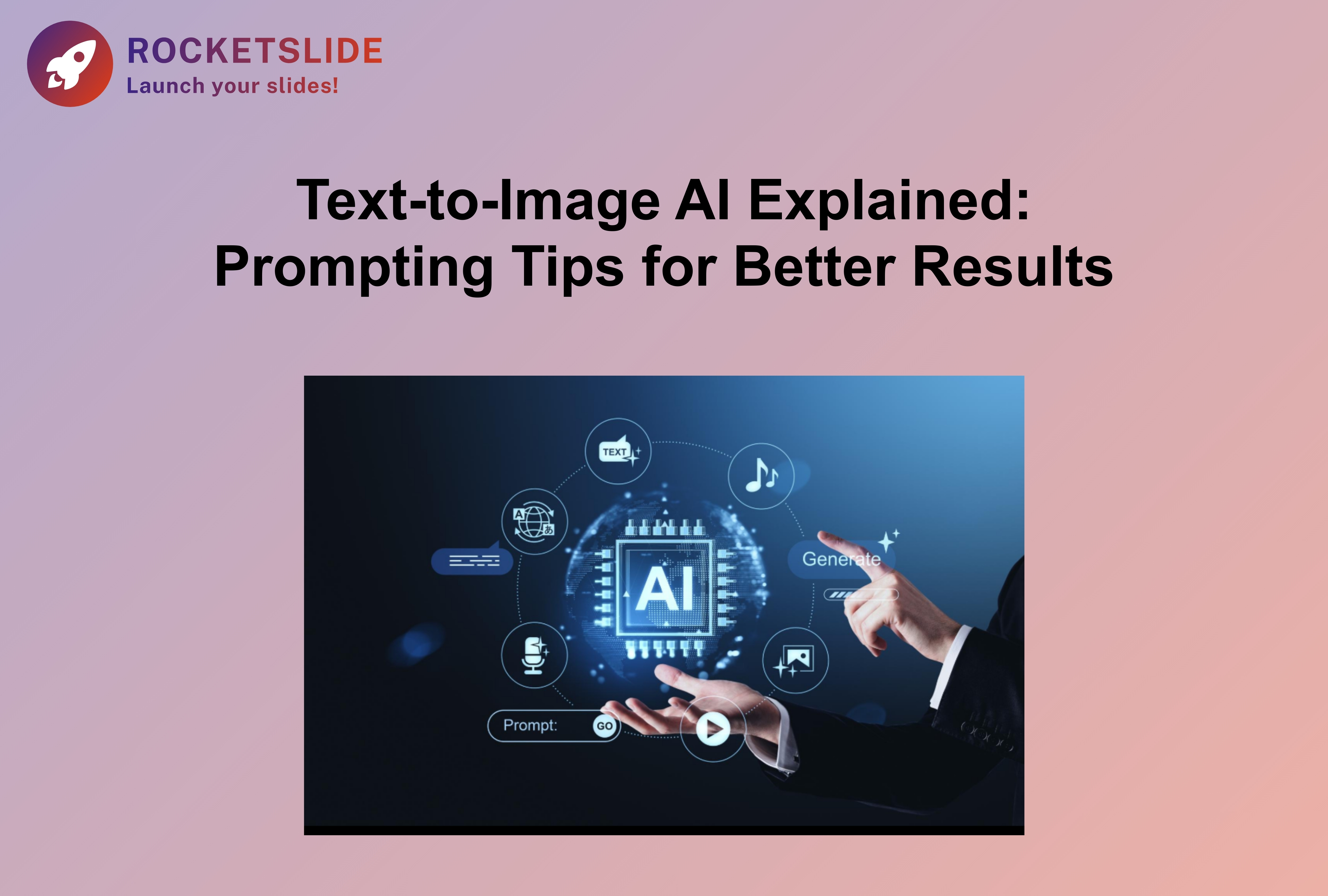
Text-to-image AI refers to systems that generate images based on written descriptions.
When you type a prompt such as "A futuristic city skyline at sunset with flying cars.”
The AI interprets the description and produces a unique image. These systems are trained on millions of images and patterns, allowing them to understand visual elements such as
- Lighting
- Style
- Perspective
- Colors
- Objects
- Artistic techniques
The result is a custom image generated within seconds.
For presentation creators, this means the ability to quickly create visuals that illustrate ideas, simplify concepts, and improve audience engagement.
Why Prompting Matters
Many people try text-to-image tools but feel the results are inconsistent. The reason is simple: the AI only knows what you tell it. A vague prompt often produces a vague image.
For example, the weak prompt “Business meeting.”
This could generate thousands of possible interpretations, but a more detailed prompt gives the AI clearer direction.
Improved prompt: “A modern office meeting with diverse professionals discussing charts on a large digital screen, minimal style illustration.”
The second prompt produces visuals that are far more useful in presentations. Learning how to structure prompts properly is the key to getting better results.
Prompting Tips for Better AI Images
1. Start With a Clear Idea
Before writing a prompt, define the message of your slide.
Ask yourself:
- What concept am I explaining?
- What emotion should the audience feel?
- What visual metaphor represents this idea?
For example, if a presentation topic is innovation, possible visual directions include:
- Light bulb concept
- Brain with technology elements
- Startup team brainstorming
Once the idea is clear, writing the prompt becomes easier.
Example prompt: “Creative team brainstorming innovative ideas around a glowing light bulb concept, modern flat illustration”
2. Add Context and Environment
Good prompts include where the scene happens. Environment details help the AI generate more meaningful visuals.
Example comparison:
Basic prompt: “Teacher explaining science.”
Better prompt: “Teacher explaining science to students in a modern classroom with a digital board showing molecular structures.”
This level of context produces visuals that are far more suitable for presentations.
3. Specify the Style
Style dramatically changes how an image feels. For presentations, styles such as the following often work well:
- Minimal illustration
- Flat design
- Isometric graphics
- Corporate-style visuals
- Clean infographic style
Example prompt: “Isometric illustration of a startup growth chart rising upward with people collaborating, modern corporate style”
Using style keywords helps maintain consistency with AI-powered template designs inside tools like RocketSlide.
4. Focus on One Core Idea
One common mistake is writing prompts that include too many ideas.
For example: “Startup office with people working, charts, growth arrows, laptops, technology, investors, and futuristic city background.”
This creates confusing results.
Instead, focus on one main concept per slide.
Better prompt: “Startup team celebrating growth with an upward arrow chart on a large screen, clean flat design.”
Clear visuals make presentations easier to understand.
5. Use Visual Metaphors

Great presentations often use visual metaphors. They help audiences grasp complex ideas quickly.
Examples:
Growth → Plant growing
Innovation → Light bulb
Teamwork → Puzzle pieces
Strategy → Chessboard
Example prompt: “Business strategy represented by a chessboard with a glowing king piece, minimalist illustration”
Visual metaphors make slides more memorable.
6. Experiment With Variations
AI tools allow multiple image variations. Trying different prompts can lead to surprising results.
For example:
Prompt 1: “Rocket launching representing startup growth.”
Prompt 2: “Minimal rocket launch illustration symbolizing rapid business growth.”
Prompt 3: “Flat-style rocket launching with upward arrows representing startup scaling.”
Small wording changes often produce better visuals dramatically. This is why experienced presenters test several prompts before choosing the final image.
Real-World Presentation Examples
Explore how AI-generated images can enhance various presentation subjects.
Startup Pitch Deck
A founder presenting to investors can use prompts like "Minimal illustration of a startup rocket launching with data charts rising in the background.”
This visual quickly communicates growth potential.
Classroom Presentation
A teacher explaining climate change might generate an "illustration of Earth surrounded by temperature charts and melting ice caps, educational infographic style.”
This makes complex information easier to understand.
Business Strategy Presentation
A manager explaining long-term planning could use the “chessboard strategy concept with glowing pieces and strategic pathways.”
This instantly communicates strategic thinking.
Student Project
Students presenting research can create visuals like “Clean infographic illustration explaining renewable energy sources, including solar and wind.”
This improves clarity and engagement.
Combining AI Images With AI Presentation Tools
While generating visuals is helpful, building a full presentation still takes time. This is where RocketSlide simplifies the process.
RocketSlide combines:
- AI-generated visuals
- AI-structured content
- AI-powered template designs
- Presentation layout automation
Instead of designing slides from scratch, users can focus on their ideas and storytelling.
For example, a founder working on a pitch deck can simply provide
- Topic
- Key points
- Visual direction
RocketSlide then transforms those inputs into a structured presentation. This saves hours of manual work while maintaining professional design quality.
The Future of AI-Driven Presentations
Text-to-image AI is only the beginning. Future presentation tools will likely integrate:
- AI-generated charts
- AI storytelling assistance
- Real-time visual generation during presentations
- Personalized visuals for different audiences
As AI continues to evolve, the focus will shift from designing slides to communicating ideas more effectively.
People who understand how to guide AI with strong prompts will gain a significant advantage in presenting ideas clearly and persuasively.
Final Thoughts
Clear prompts, strong visual metaphors, and thoughtful design choices can turn simple AI images into impactful storytelling tools.
For founders pitching ideas, teachers explaining concepts, students presenting research, or professionals sharing strategies, the combination of the best prompts for presentations and intelligent presentation tools opens new possibilities.
As AI continues to evolve, mastering these skills will help anyone create presentations that are not only informative but also visually compelling.
And in a world where attention spans are shrinking, the right visual at the right moment can make all the difference.