Google Slides vs PowerPoint in 2026: What Actually Matters for Modern Professionals?
February 20, 2026
•
Comparison
Choosing the Right Tool Now Impacts More Than Just Design
Every presentation begins with a simple decision.
Should I open Google Slides or PowerPoint?
In 2026, the long-standing debate of Google Slides vs. PowerPoint is more critical than ever, moving beyond simple comfort or habit. The choice now directly impacts essential business factors, including the pace of collaboration, efficiency of data management, caliber of design, and the overall perception of your brand.
Presentations today are not occasional tasks. They are weekly activities, investor updates, quarterly reviews, product launches, internal strategy decks, academic defenses, and sales pitches.
According to market research, the global presentation software market is projected to reach nearly $18.5 billion by 2032, growing at a 13–14% compound annual growth rate (CAGR). That growth is driven by hybrid work, distributed teams, and AI-assisted content creation.
So the real question isn’t “Which tool is better?”
The real question is, which tool fits your workflow in 2026?
Let’s break it down clearly and practically.
Why the Google Slides vs PowerPoint Debate Still Matters in 2026
Before comparing features, it’s important to understand the environment these tools operate in.
Several industry trends are shaping the discussion on Google Slides vs. PowerPoint:
- Over 60% of professional workflows now rely on cloud-based systems, reflecting the shift toward collaboration-first platforms.
- Large enterprises account for roughly 56% of presentation software usage, where Microsoft’s ecosystem remains deeply integrated.
- Hybrid and remote work are now permanent in many industries. Global workforce studies show that over 70% of professionals work in hybrid or remote-first setups.
- Teams using AI-enhanced productivity tools report efficiency gains of 15–25% in content creation tasks, including presentation development.
These shifts mean that collaboration speed, data reliability, and AI integration now matter just as much as slide design.
Google Slides: Built for Collaboration and Accessibility

When discussing PowerPoint vs. Google Slides for presentations, Google Slides is often praised for its simplicity and real-time collaboration.
1. Real-Time Editing Without Confusion
Google Slides allows multiple users to edit a file simultaneously. Everyone works on the same version, and changes appear instantly.
This eliminates common frustrations like
- Emailing attachments back and forth
- File naming confusion
- Version control issues
For startups, marketing teams, agencies, and distributed organizations, this collaborative model saves time and reduces friction.
In a hybrid workplace where team members are in different time zones, real-time editing is more than convenient; it’s necessary.
2. Cloud-Native and Device Flexible
Google Slides runs entirely in a browser.
That means:
- No installation required
- Works across macOS, Windows, ChromeOS, and Linux
- Accessible from lightweight devices
For small businesses and freelancers, cost and accessibility matter. Google Slides is free with a Google account, making it part of the fast-growing freemium SaaS segment.
The lower barrier to entry has helped drive widespread adoption, especially among startups and educational institutions.
3. Simplicity and Font Stability
One common frustration in cross-device presentations is broken formatting. Google Slides relies on cloud-hosted fonts (like Google Fonts), which reduces “missing font” issues.
For teams without strict brand guidelines, this simplicity provides stability.
However, simplicity can also mean limitations, especially in high-production environments.
PowerPoint: Depth, Data, and High-Stakes Delivery
When comparing Google Slides vs. PowerPoint, PowerPoint remains dominant in enterprise environments and high-impact presentations.
1. Advanced Data Integration
PowerPoint integrates seamlessly with Microsoft Excel.
This matters greatly for:
- Finance teams
- Analysts
- Consultants
- Enterprise reporting
You can:
- Link live Excel datasets
- Handle large spreadsheets
- Maintain complex formatting
- Automatically update charts when data changes
Google Slides integrates with Google Sheets, but it can struggle with advanced datasets and heavy formatting.
For quarterly earnings presentations or board-level meetings, PowerPoint’s data control is often superior.
2. Advanced Animation and Visual Storytelling
In the debate around PowerPoint vs. Google Slides for presentations, storytelling power is another major difference.
PowerPoint includes:
- Morph transitions
- Zoom navigation
- Advanced animation timelines
- 3D object embedding
These features allow presenters to create dynamic, cinematic presentations.
Google Slides offers basic transitions and animations, but it also prioritizes simplicity over production complexity.
For keynote speeches, investor pitches, and product launches, PowerPoint often delivers a stronger stage presence.
3. True Offline Reliability
Even with improved global connectivity, reliable internet access cannot be guaranteed in all locations.
PowerPoint runs as a native desktop application. It works fully offline without limitations.
Google Slides offers offline mode, but it requires setup and can restrict certain features.
In regulated industries or formal environments where technical risk must be minimized, offline reliability matters.
Design Efficiency: The Factor Most Teams Ignore
Here’s something rarely addressed in the Google Slides vs. PowerPoint debate:
Both tools assume you know how to design.
Research shows professionals spend 3–4 hours formatting a 10-slide deck, adjusting alignment, fonts, spacing, and visual hierarchy.
Common frustrations include:
- Misaligned icons
- Inconsistent font usage
- Overcrowded slides
- Brand color inconsistencies
Neither platform automatically guarantees strong design.
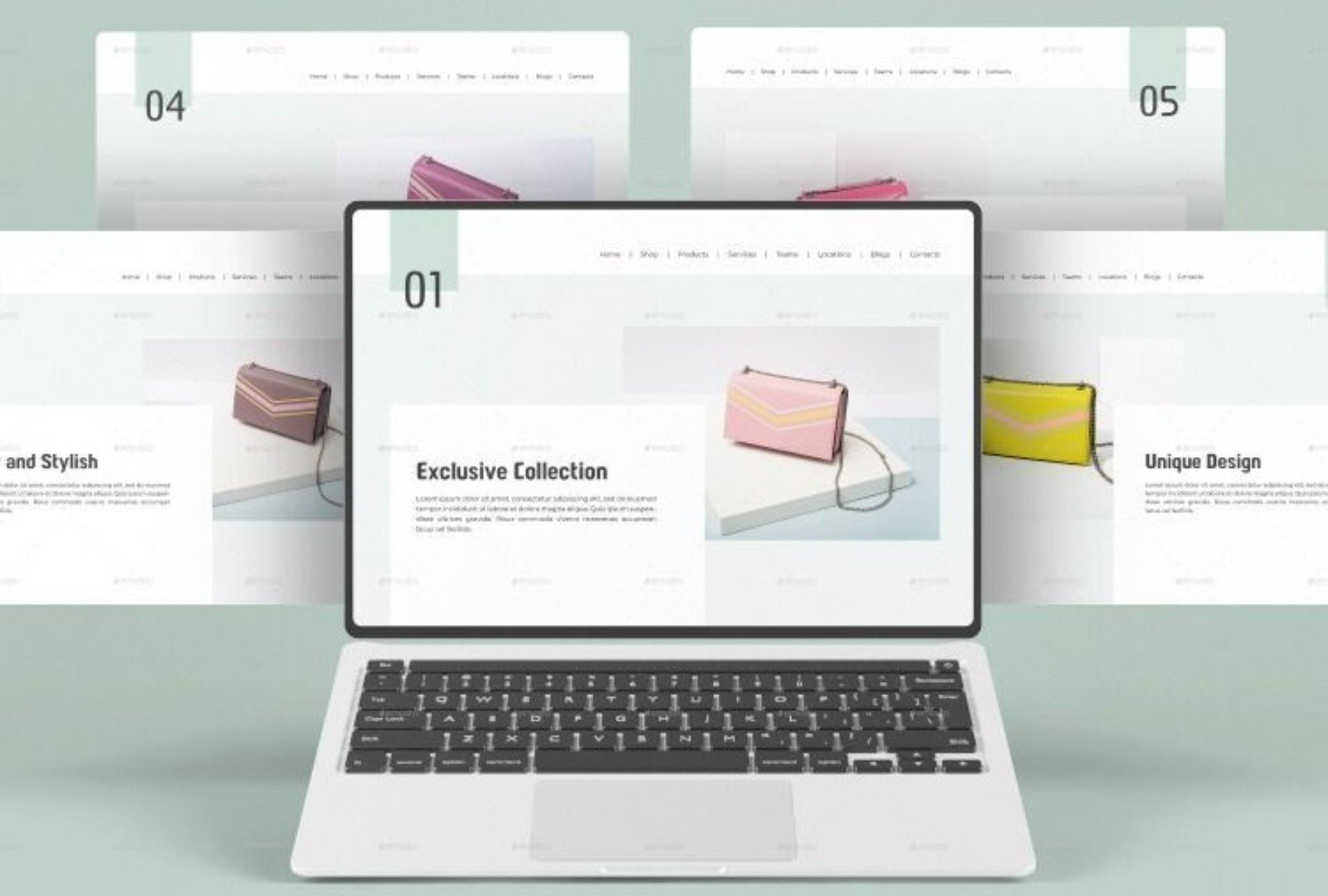
That’s why professional presentation templates are becoming increasingly important.
Instead of starting from scratch, templates:
- Lock in brand consistency
- Predefine layout hierarchy
- Reduce formatting time significantly
- Improve audience perception instantly
In competitive environments, design signals credibility. The tool matters, but structure matters more.
Where RocketSlide Fits in the 2026 Workflow
Here’s the reality.
The debate around Google Slides vs. PowerPoint often focuses on features. But most professionals don’t struggle with features. They struggle with structure, consistency, and time.
This is where RocketSlide changes the equation.
Instead of choosing between platforms, RocketSlide works as an intelligent layer that enhances your presentation workflow, whether you use Google Slides or PowerPoint.
With professionally built presentation templates, structured slide frameworks, and AI-assisted layout refinement, RocketSlide helps teams:
- Reduce formatting time
- Maintain brand consistency
- Improve slide clarity
- Build investor- and board-ready decks faster
Rather than replacing your existing tools, RocketSlide strengthens them.
Because in 2026, productivity isn’t about switching software.
It’s about removing friction.
The Hidden Cost of Switching Platforms
Many teams assume that changing tools will solve inefficiency. But switching from one platform to another often includes
- Training costs
- Rebuilding brand libraries
- Adjusting workflows
- Managing compatibility issues
Before choosing between Google Slides vs. PowerPoint, it’s important to ask:
Are we facing a software problem or a process problem?
Sometimes, improving structure and using better templates creates more impact than migrating platforms.
Real-World Scenarios in 2026
To make this practical, here’s how different environments might approach the decision.
Startup Pitching Investors
Needs:
- Strong storytelling
- Clean financial visuals
- High-impact delivery
PowerPoint may offer stronger visual depth.
Remote Marketing Team Preparing Weekly Reports
Needs:
- Fast collaboration
- Shared editing
- Easy access
Google Slides likely reduces friction.
Enterprise Board Review
Needs:
- Advanced Excel integration
- Compliance standards
- Data reliability
PowerPoint typically aligns better.
Distributed Startup Strategy Planning
Needs:
- Flexibility
- Quick iteration
- Multiple contributors
Google Slides fits well.
Hybrid Workflows Are Becoming Standard
Many modern teams now combine both tools.
For example:
- Drafting collaboratively in Google Slides
- Final polishing in PowerPoint
- Applying professional presentation templates to ensure consistency
AI tools are also reshaping the workflow.
Both Google and Microsoft now integrate AI features that help:
- Suggest layouts
- Improve content structure
- Align design elements
- Generate slide outlines
AI-driven productivity tools can increase creation efficiency by up to 15–25%, according to productivity research studies.
The goal is no longer just creating slides.
It’s reducing manual design effort.
Final Thoughts
The discussion around Google Slides vs. PowerPoint reflects a larger shift in how professionals communicate.
Google Slides prioritizes collaboration.
PowerPoint prioritizes control.
But neither platform guarantees clarity on its own.
That’s where smarter workflows matter.
RocketSlide was built for this exact gap, helping professionals move from blank slides to structured, high-impact presentations without wasting hours on formatting.
Whether you draft in Google Slides or deliver in PowerPoint, the real competitive advantage lies in structure, speed, and consistency.
And that’s exactly what RocketSlide is designed to deliver.
Because in the end, audiences don’t care which software you used.
They care whether your message was clear.