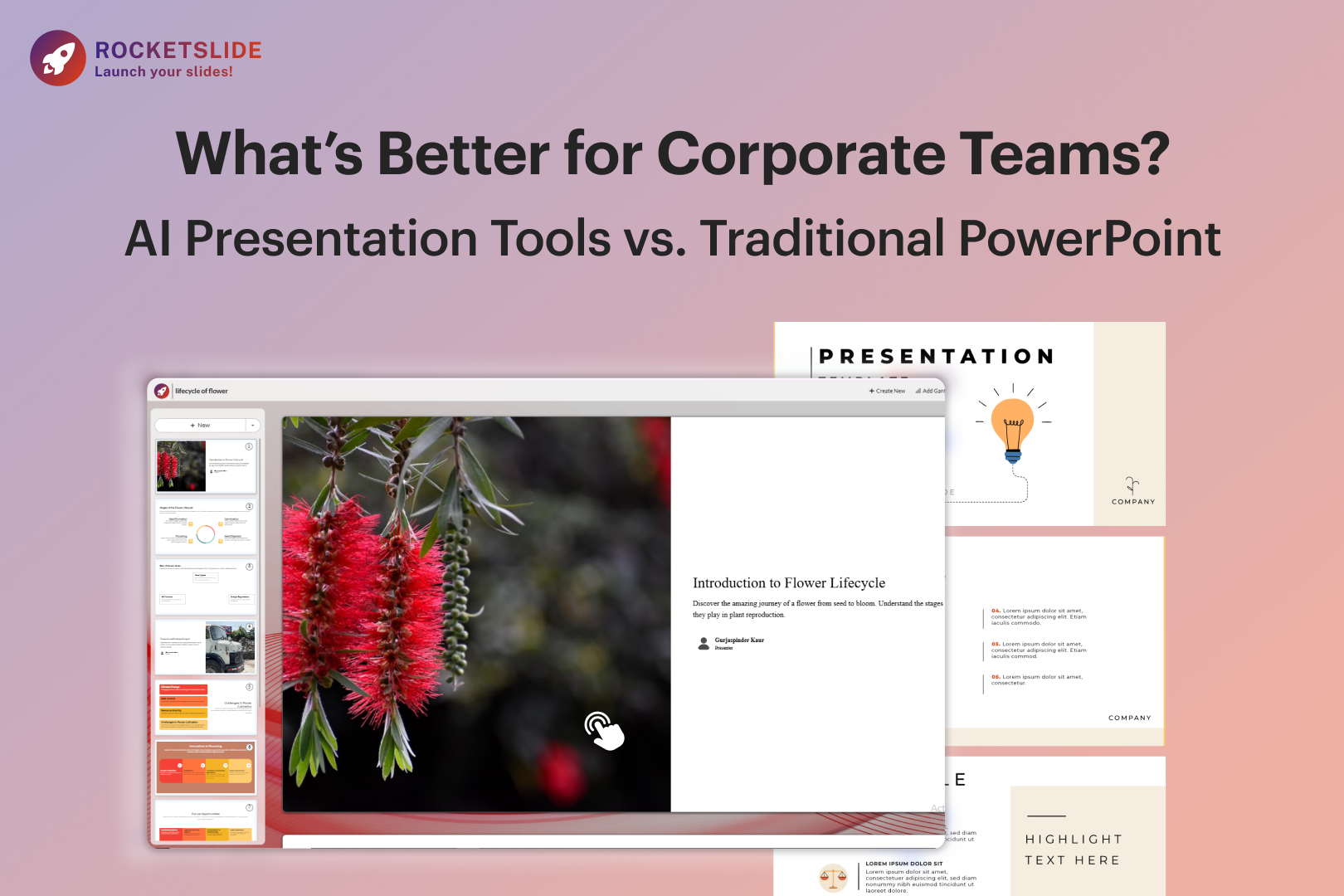
AI Presentation Tools vs PowerPoint: Best Choice for Corporate Teams
January 16, 2026
•
Informational
Introduction: AI Presentation Tools vs PowerPoint: How Corporate Teams Should Create Slides Today
In corporate settings, presentations often shape decisions, whether it’s aligning leadership in a boardroom, pitching to clients, or updating teams on strategy and performance. Traditionally, Microsoft PowerPoint has been the solution. With the rise of AI PPT makers, corporate teams are now changing how they build PPTs—moving away from manual slide design to faster, more efficient, and productivity-driven workflows.
So, now the question arises: what’s better for corporate teams: traditional PowerPoint or AI-powered presentation tools? In this article, let’s explore the differences, benefits, and real-world use cases to help you decide.
The Traditional PowerPoint Approach
PowerPoint has been in corporate offices for decades. It offers flexibility, control, and familiarity, making it a trusted tool for professionals worldwide.
Advantages of PowerPoint for Corporate Teams
1. Familiar Interface: Most employees already know how to use PowerPoint. This reduces training time and ensures smooth collaboration.
2. Large Library of PowerPoint Templates: There are thousands of built-in and third-party PowerPoint templates available for business reports, sales decks, and training materials.
3. Full Design Control: Users can customize layouts, animations, fonts, and visuals down to the smallest detail.
4. Offline Access: PowerPoint works without an internet connection, which is useful for secure corporate environments.
Limitations of Traditional PowerPoint
Despite its strengths, PowerPoint has clear drawbacks for modern corporate teams:
- Time-consuming slide creation: Designing slides from scratch can take hours, sometimes even days.
- Design dependency: Non-designers struggle to create visually appealing presentations.
- Inconsistent branding: Teams often use different presentation templates, leading to brand inconsistency.
- Manual content structuring: Users must manually decide on the presentation flow, headings, and layouts.
This gap is exactly where AI-powered presentation tools begin to add real value by reducing manual effort while improving structure, speed, and consistency.
What Are AI Presentation Tools?
AI presentation makers use artificial intelligence to automate slide creation, layout design, content structuring, and visual styling. Instead of manually designing slides, users simply enter text, prompts, or documents, and the AI does the rest.
Popular features include:
- Auto-generated slide layouts
- Smart design suggestions
- Content summarization
- Brand-ready presentation templates
- Rapid slide creation with minimal effort
In simple terms, you can create slides with AI instead of spending hours formatting them.
Benefits of AI Presentation Makers for Corporate Teams
1. Faster Presentation Creation
One of the biggest advantages of using an AI PPT maker is speed. Corporate teams can create a PPT using AI in minutes rather than hours.
- Convert meeting notes into slides
- Turn reports into presentations instantly
- Generate structured decks from a simple prompt
This is especially valuable for sales teams, HR departments, and consultants working under tight deadlines.
2. Professional Design Without a Designer
AI tools eliminate the need for advanced design skills. Even non-designers can create polished, professional presentations.
- Auto-aligned layouts
- Consistent fonts and colors
- Visually balanced slides
A slide maker AI ensures your presentation looks modern and professional.
3. Consistent Branding Across Teams
Many AI presentation makers allow teams to:
- Upload brand colors and fonts
- Apply brand-approved presentation templates
- Maintain visual consistency across departments
This is a major advantage over traditional PowerPoint, where branding often varies from person to person.
4. Smart Content Structuring
AI doesn’t just design slides, but it also helps structure content logically.
- Automatically creates slide titles
- Breaks long text into readable sections
- Suggests data-friendly layouts
This improves clarity and storytelling, which is critical for executive and client presentations.
5. Cost-Effective for Businesses
Hiring designers or spending excessive employee hours on presentations is expensive. Many tools now offer a free AI presentation maker or affordable paid plans, making them ideal for startups, SMEs, and large teams alike.
AI Presentation Tools vs PowerPoint: Feature Comparison
| Feature | Traditional PowerPoint | AI Presentation Maker |
| Speed | Manual & slow | Extremely fast |
| Design Skill Needed | High | Very low |
| Presentation Templates | Static | Smart & adaptive |
| Branding Consistency | Manual | Automated |
| Content Structuring | Manual | AI-assisted |
| Collaboration | Moderate | Cloud-based |
| Innovation | Limited | Constantly evolving |
When PowerPoint Still Makes Sense
Despite the rise of AI, PowerPoint remains an important tool. It still works well when:
- You need advanced animations or custom designs
- Your organization requires offline editing
- Teams already have well-designed PowerPoint templates
- Highly regulated environments limit cloud tools
For many corporations, PowerPoint remains useful, but often as a final editing tool, not the starting point.
The Hybrid Approach: AI + PowerPoint
Many corporate teams now combine both tools for maximum efficiency.
How it works:
- Use a PPT maker AI to generate slides quickly
- Export the deck
- Fine-tune animations or details in PowerPoint
This approach saves time while retaining creative control.
Use Cases Where AI Presentation Makers Excel
Sales & Marketing Teams
- Pitch decks
- Client proposals
- Product demos
HR & Training Departments
- Onboarding presentations
- Training modules
- Policy decks
Executives & Consultants
- Board presentations
- Strategy decks
- Performance reports
Startups & Small Businesses
- Investor pitch decks
- Business plans
- Marketing presentations
In all these cases, creating slides with AI dramatically improves productivity.
Are AI Presentation Tools Secure for Corporate Use?
Modern AI presentation makers focus heavily on:
- Data privacy
- Secure cloud storage
- GDPR compliance
Always choose a reputable tool that clearly explains its data policies, especially for corporate and government use.
Final Thoughts
The answer depends on your priorities.
- If you value speed, efficiency, and design automation, an AI presentation maker is the better choice.
- If you need full creative control or offline access, PowerPoint still has a role.
- For most modern corporate teams, the best solution is a hybrid workflow, using AI to create presentations quickly and PowerPoint for final refinements.
As businesses continue to prioritize productivity and smart tools, AI PPT makers are no longer a trend, but they’re becoming a standard.
AI doesn’t replace PowerPoint, but it enhances how teams work. By using presentation templates, AI slide makers, and automation, corporate teams can focus less on formatting and more on delivering impactful messages.
RocketSlide is built around this approach. It works alongside familiar presentation workflows while adding AI-driven structure, design consistency, and speed.
As presentation demands continue to grow, tools like RocketSlide help organizations move from manual slide creation to smarter, more focused communication.